
If you need to make a slight modification to an existing template without changing the original, you can duplicate the template.
How to duplicate a template
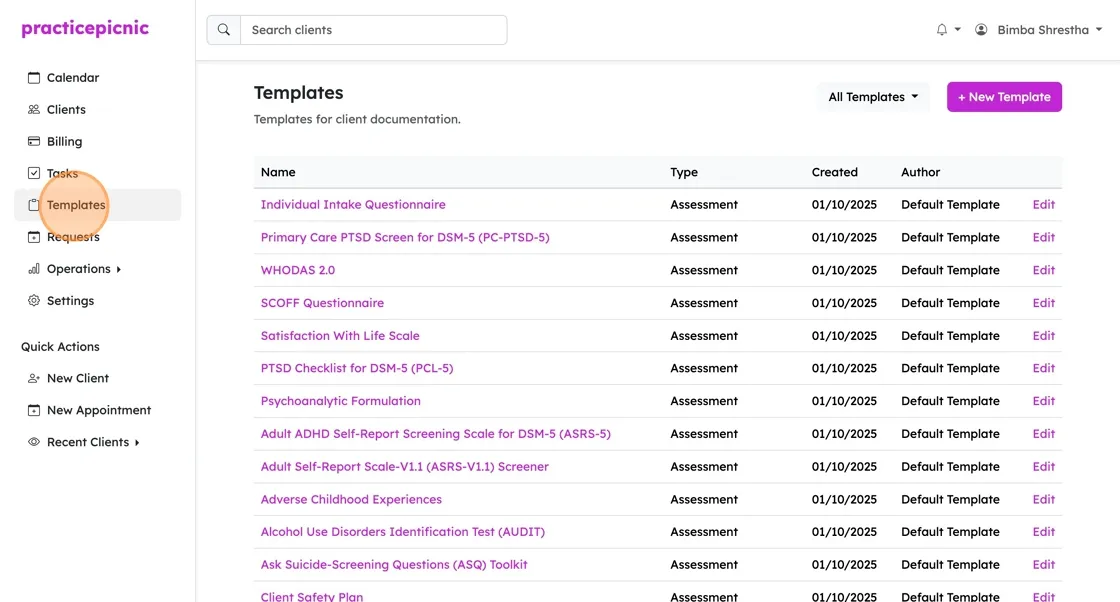
Navigate to Templates
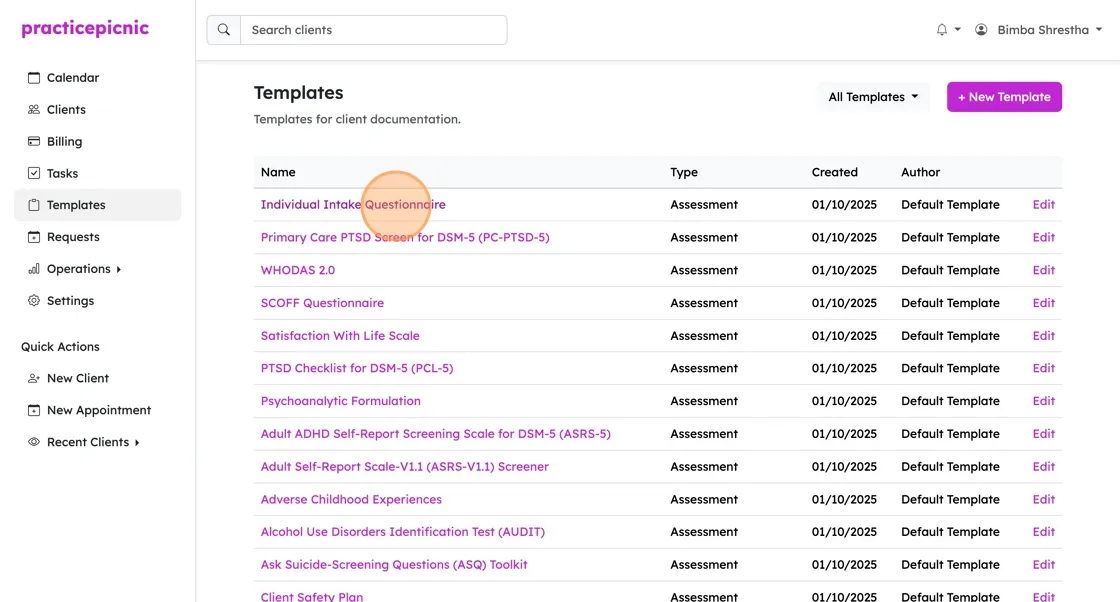
Select the template you want to duplicate
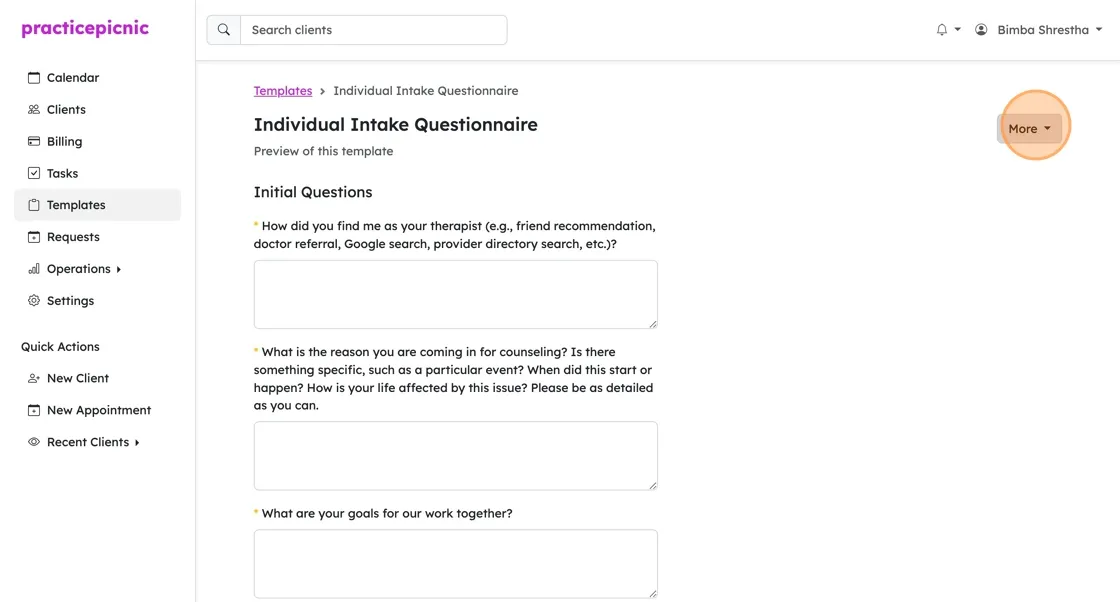
Click on More > Duplicate
Give your new template a distinct name
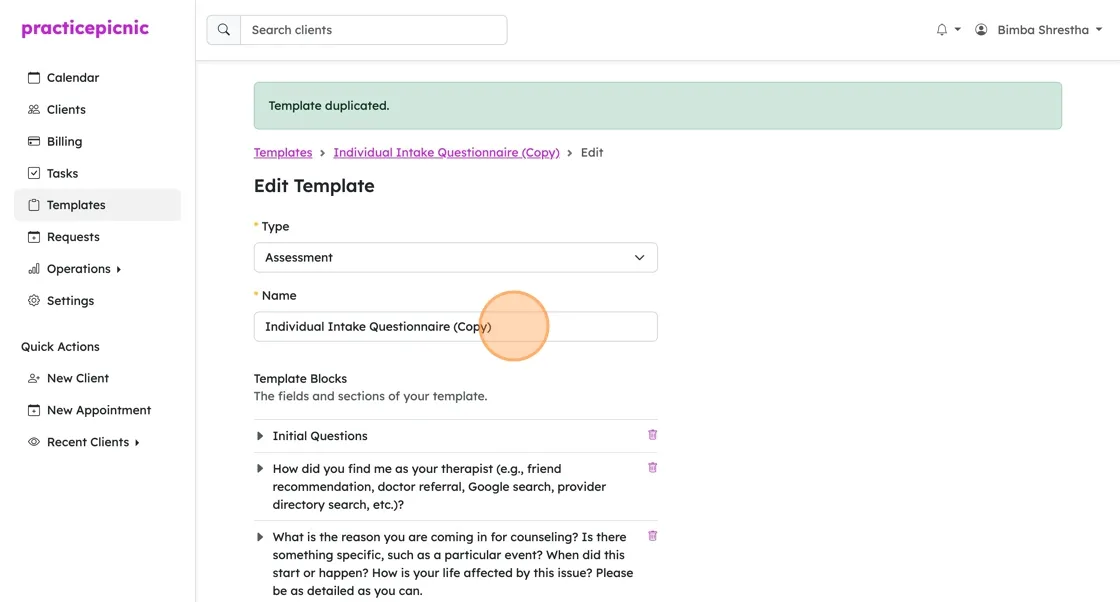
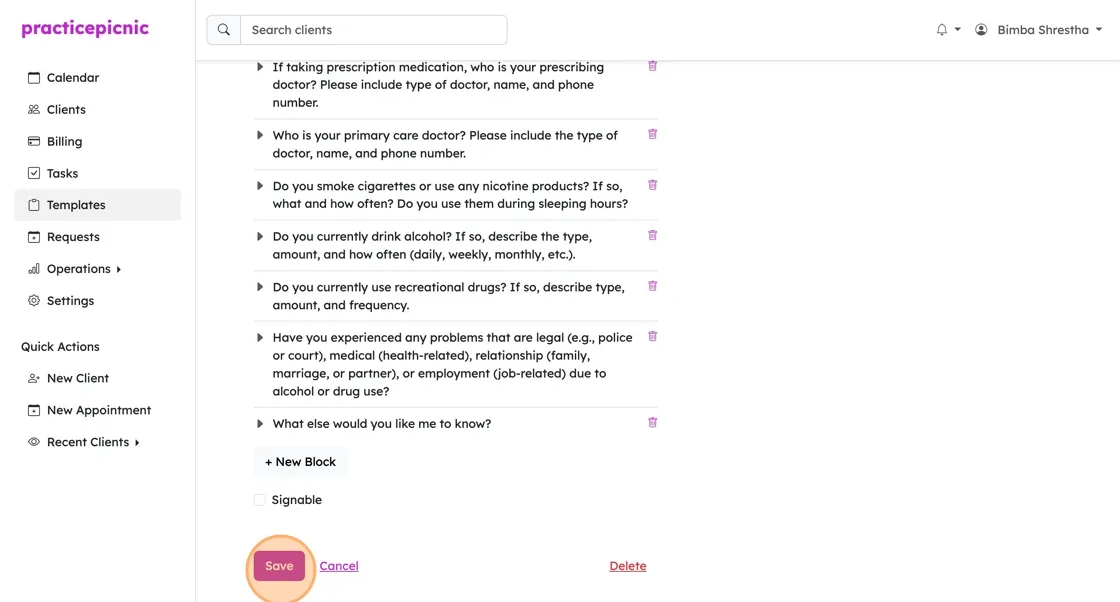
Make any changes you want then click Save
Sending us your documents
If you're having trouble with the template editor or simply don't have the time to create or edit your templates, you can just email us the documents you want to add to your practice. We have tools to make importing documents in PDF, Word, or other text formats into Practicepicnic easy, so it won't take us long.
You can email your documents to support@practicepicnic.com.