Help center > Intake > Additional client actions
Additional client actions
- Sharing documents to clients for signatures
- Receiving documents for signatures
- Importing prior records
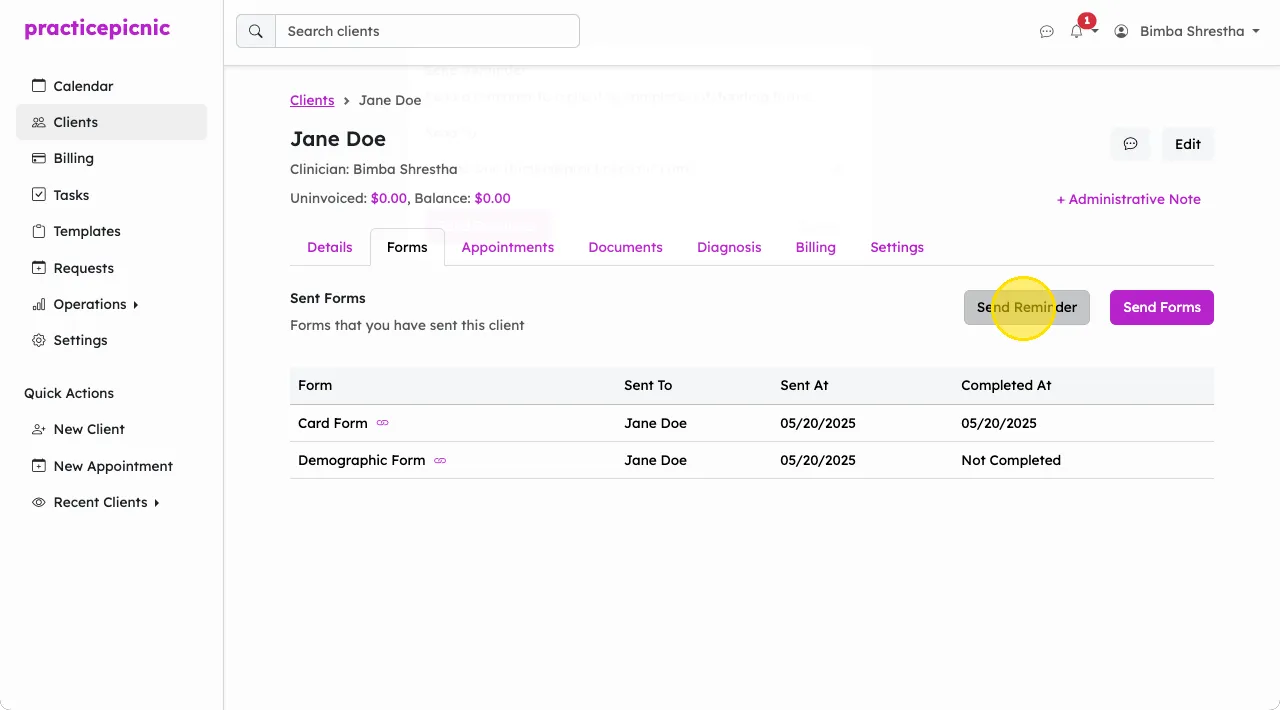
- Send form reminders
Sharing documents to clients for signatures
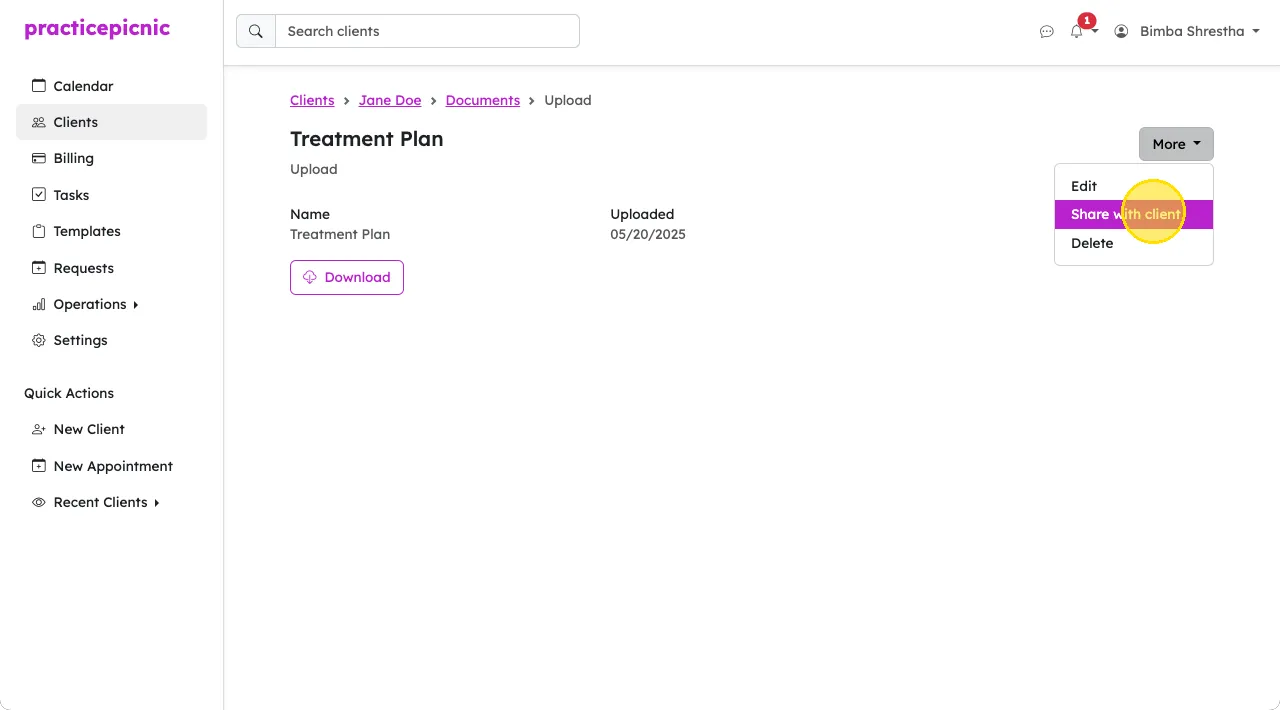
You can share documents with clients, which they can then access from the client portal. From within the document's page, click More > Share with client.
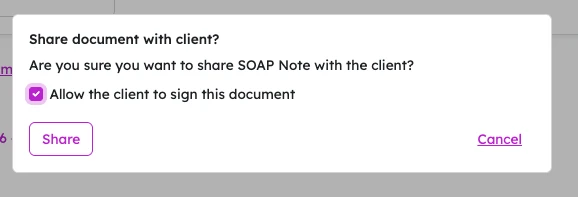
If you'd like the client to sign the document, check the box that says "Allow the client to sign this document" before sharing.
Receiving documents for signatures
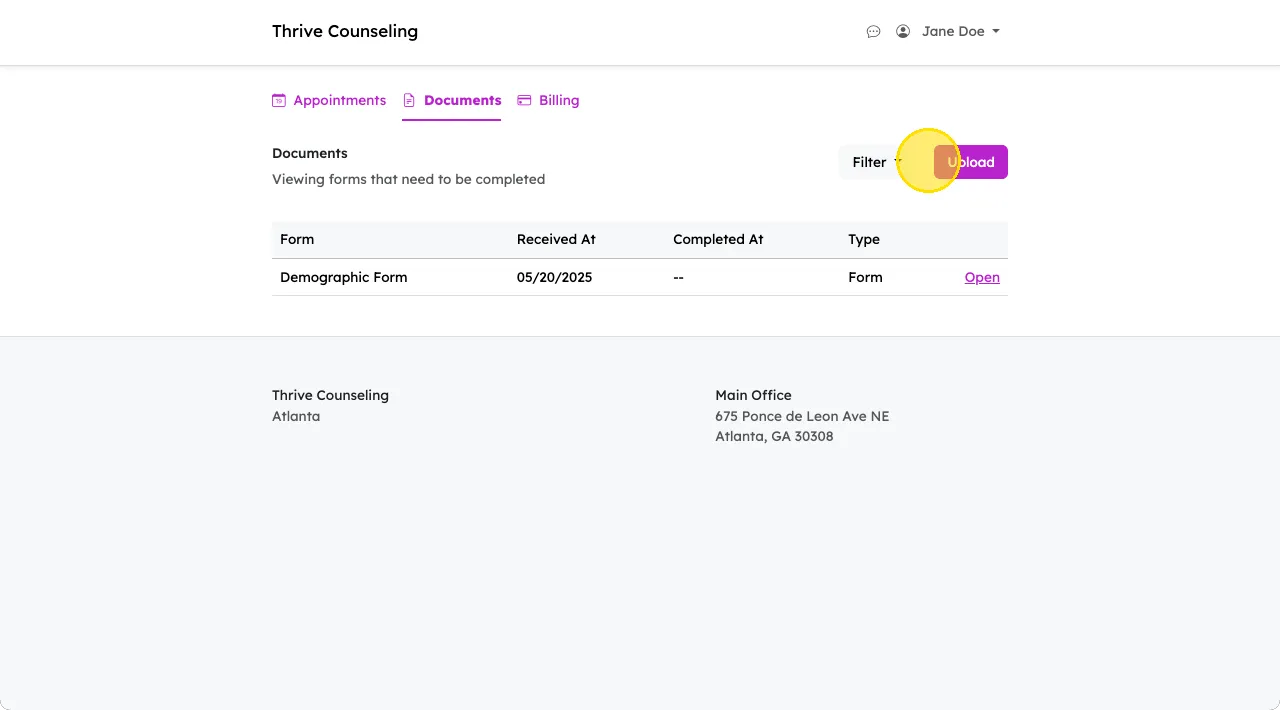
Clients can also share documents with you from their client portal. You can ask them to look for the Upload button from their Documents tab.
Importing prior records
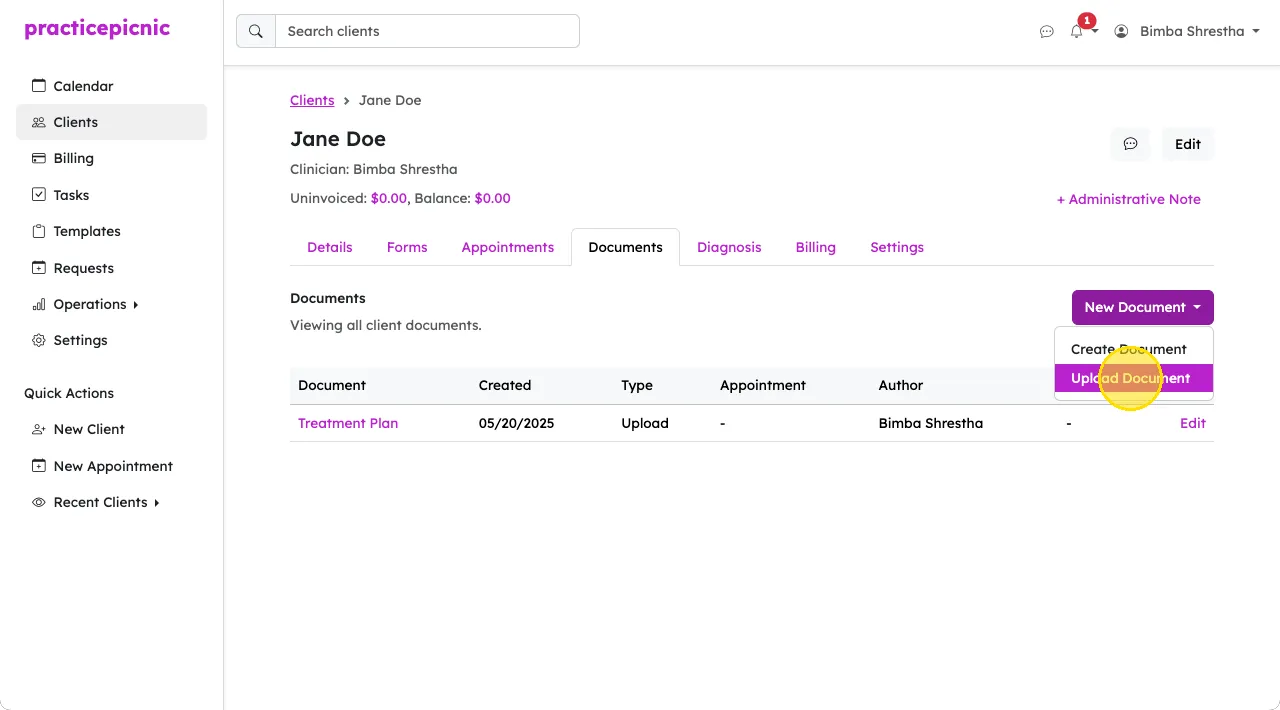
If you need to store files, photos and documents for a client in their client record, you can upload them using the Upload Document button from their Documents tab.
Send form reminders
If you need to send a client an email reminder asking them to complete outstanding forms, you can use the Send Reminder button on the client's Forms tab.